Metalary
FR Coming soon The tools

The right number for piping, for welding, for machining and on the job

Cut length, full-scale template, flat pattern, starting settings, cutting speed. 51 tools for pipefitters, welders, fabricators and machinists, with no network.

See the 51 tools

7-day free trial · no account · no ads

A product by

The app’s 51 tools

Isometric planPipe offsetRolling offsetParallel pipe offsetBranch on pipeBranch on elbowMitre bendCut-down elbowTee + elbowReducerPipe bendingStandard fittingsFlanges and boltingJacketed pipeLine weightHydrostatic testHeat inputCarbon equivalent and preheatShielding gasBack purgeWelding settingsWeld shrinkageFiller metal weightWeld defect diagnosisISO 5817 criteriaWeld pass layoutDissimilar metal weldingCone and frustumShell courseBend developmentPlate and section weightDrilling and tappingRight triangleMitre cutSquare-to-round transitionHopper (pyramid frustum)Plate end pre-bendingFrame planUnit converterBar cutting planLevel and slopeCutting speed and feedISO 286 fitsThreads and tap drillsTightening torquesBolt circleTapersMeasuring over pinsHardness conversionTurning surface finishMachining time

A calculation in
3 steps

  1. 01

    Pick the tool

    From home, search or the trade tab: two taps at most.

  2. 02

    Enter the sizes

    Glove keypad, common values in one tap, or tap a dimension on the drawing.

  3. 03

    Read, export

    Large result, worked calculation and sources. PDF of the calculation or full-scale template on A4.
Preview

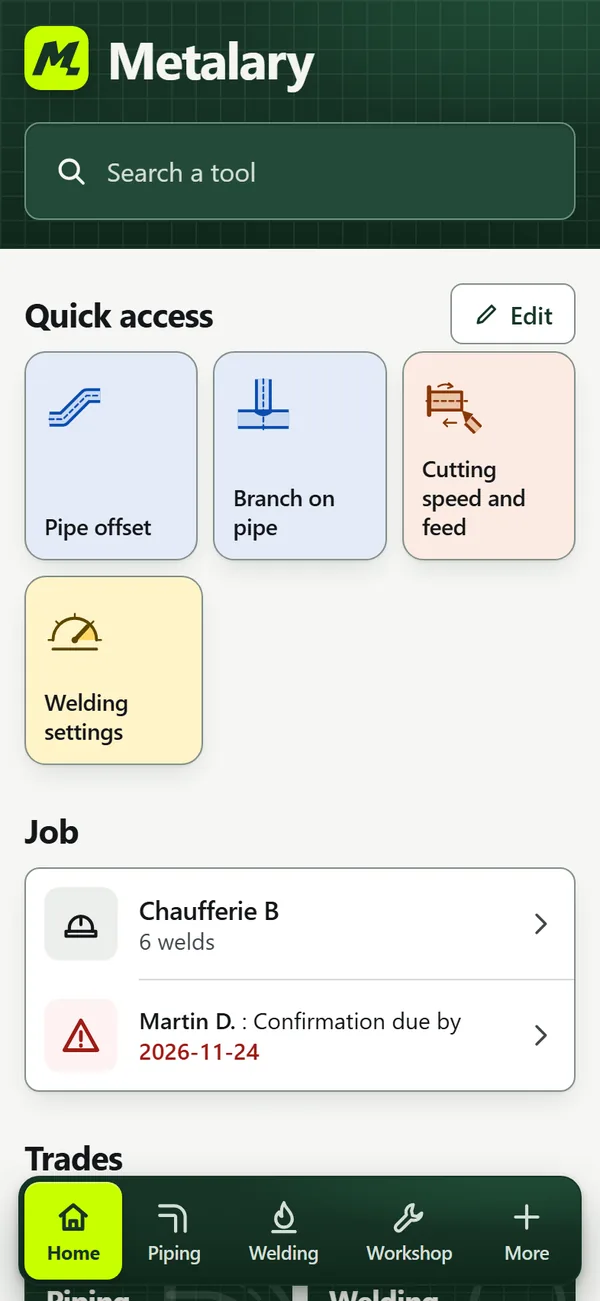
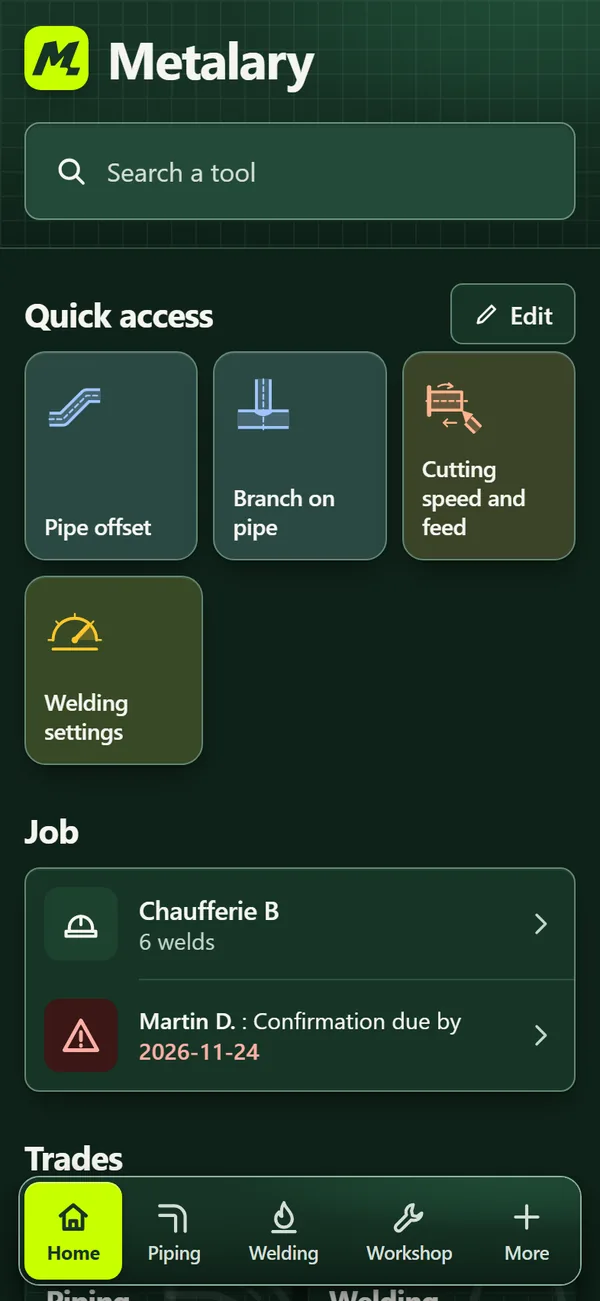
Home: search, quick access, active job and tradesHome: search, quick access, active job and trades
Home: search, quick access, active job and trades
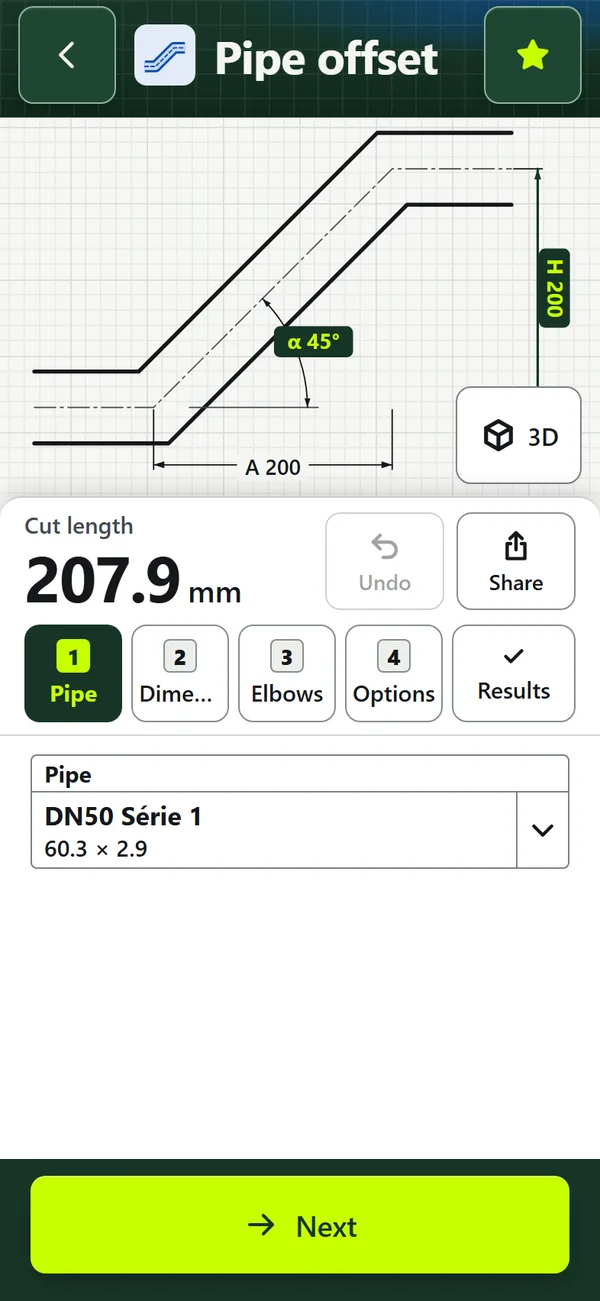
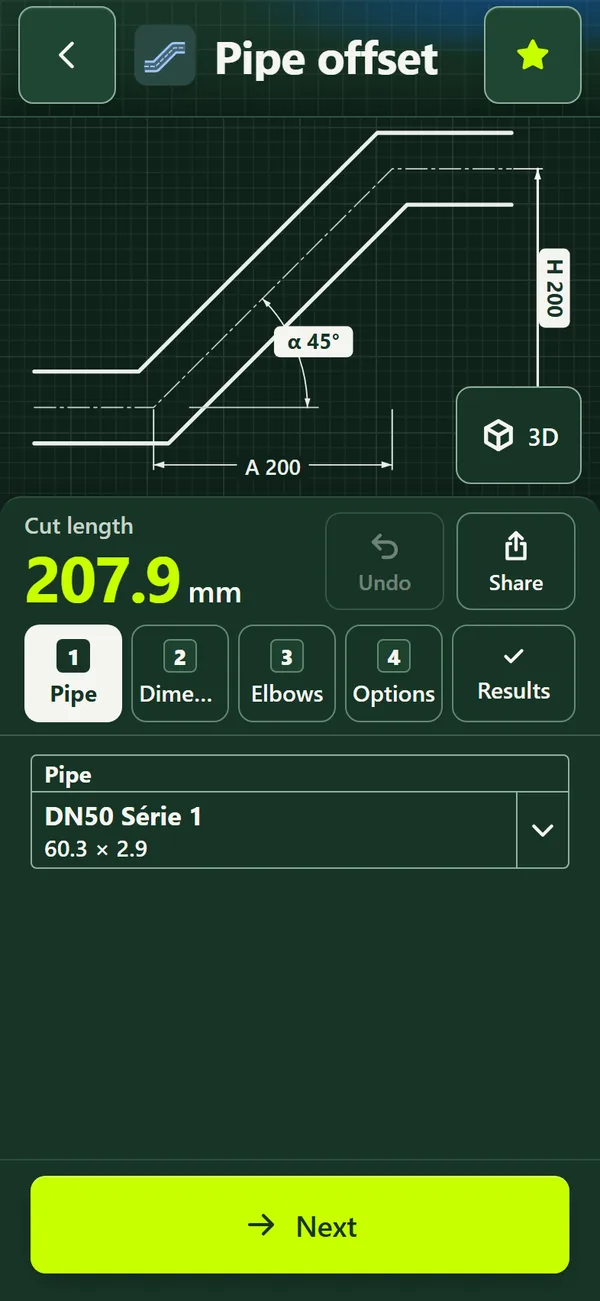
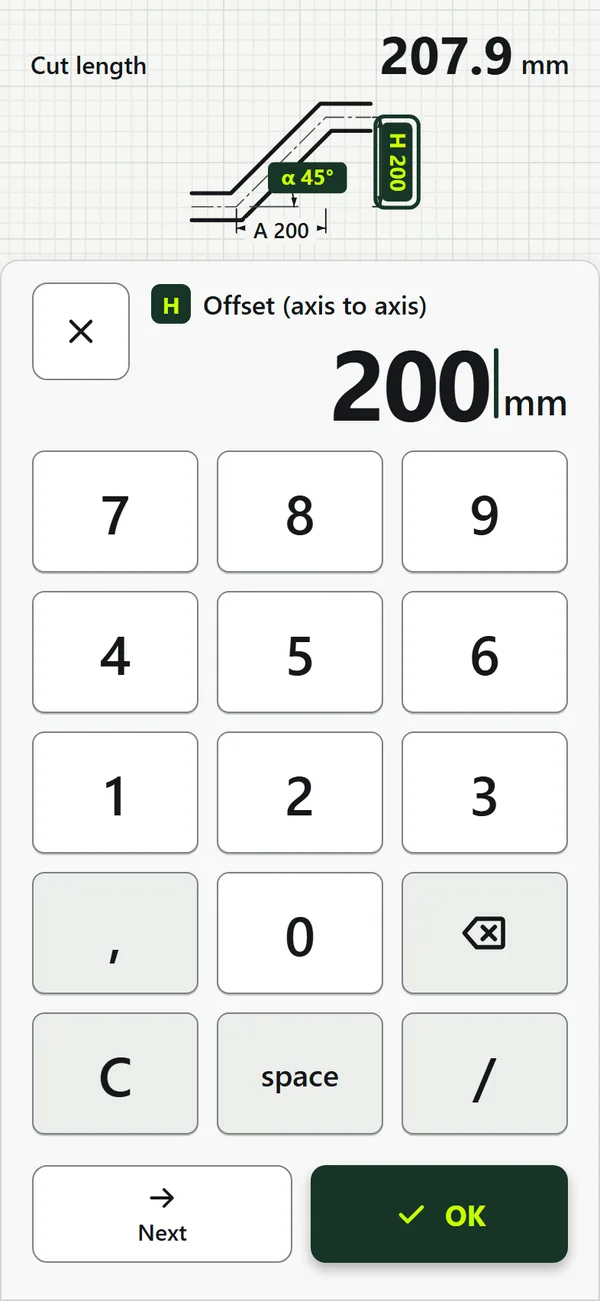
Pipe offset: step-by-step inputs, dimensioned drawing and cut lengthPipe offset: step-by-step inputs, dimensioned drawing and cut length
Pipe offset: step-by-step inputs, dimensioned drawing and cut length
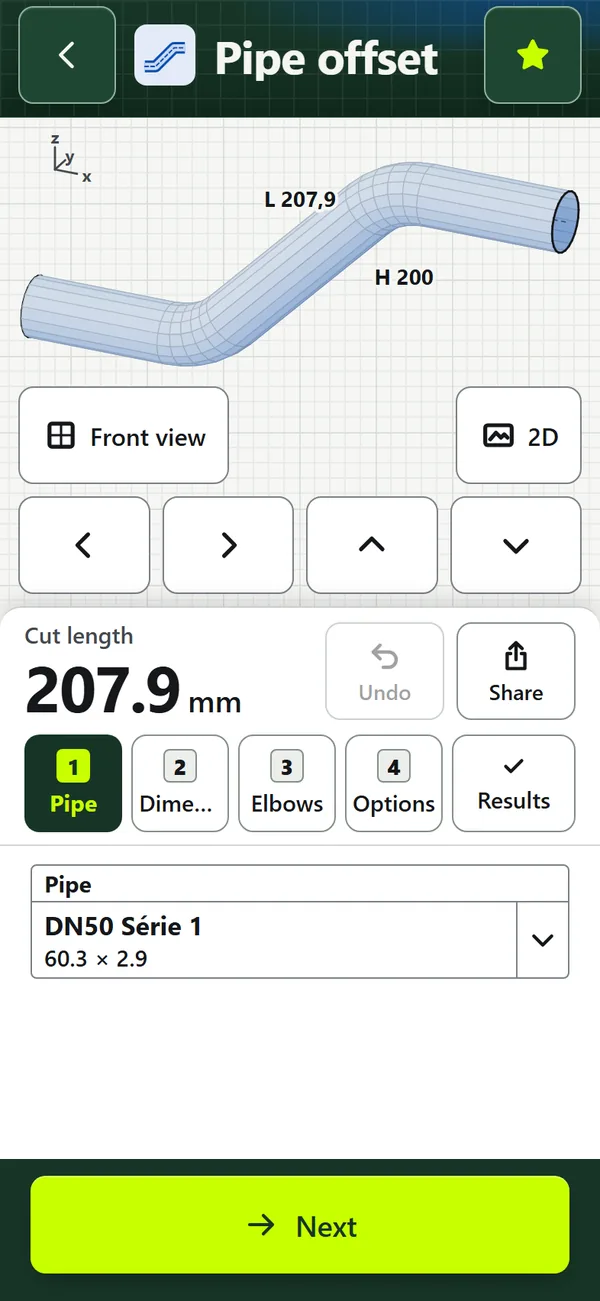
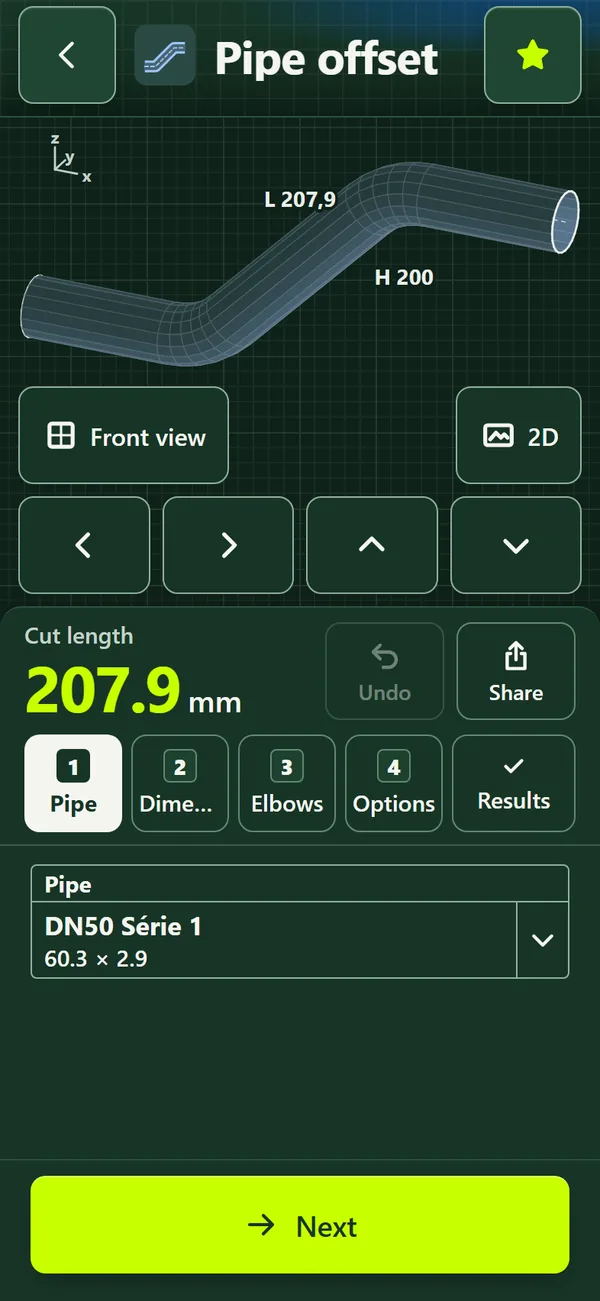
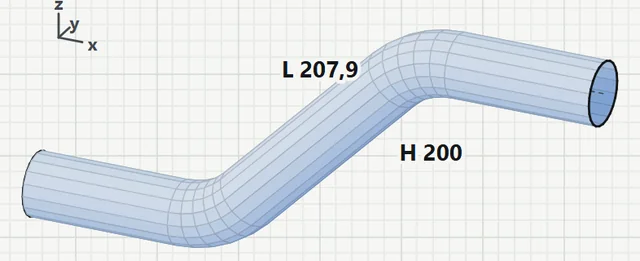
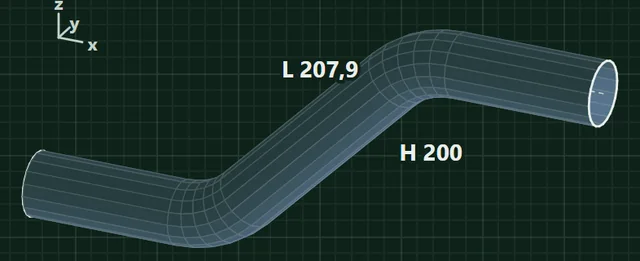
Pipe offset in 3D viewPipe offset in 3D view
Pipe offset in 3D view
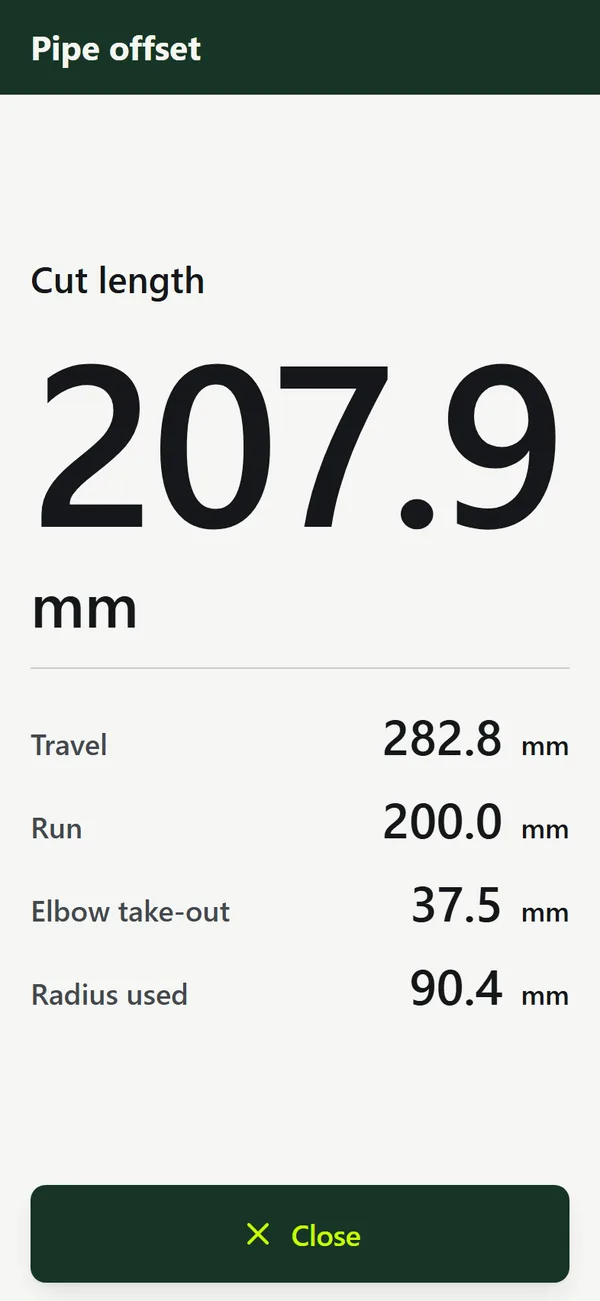
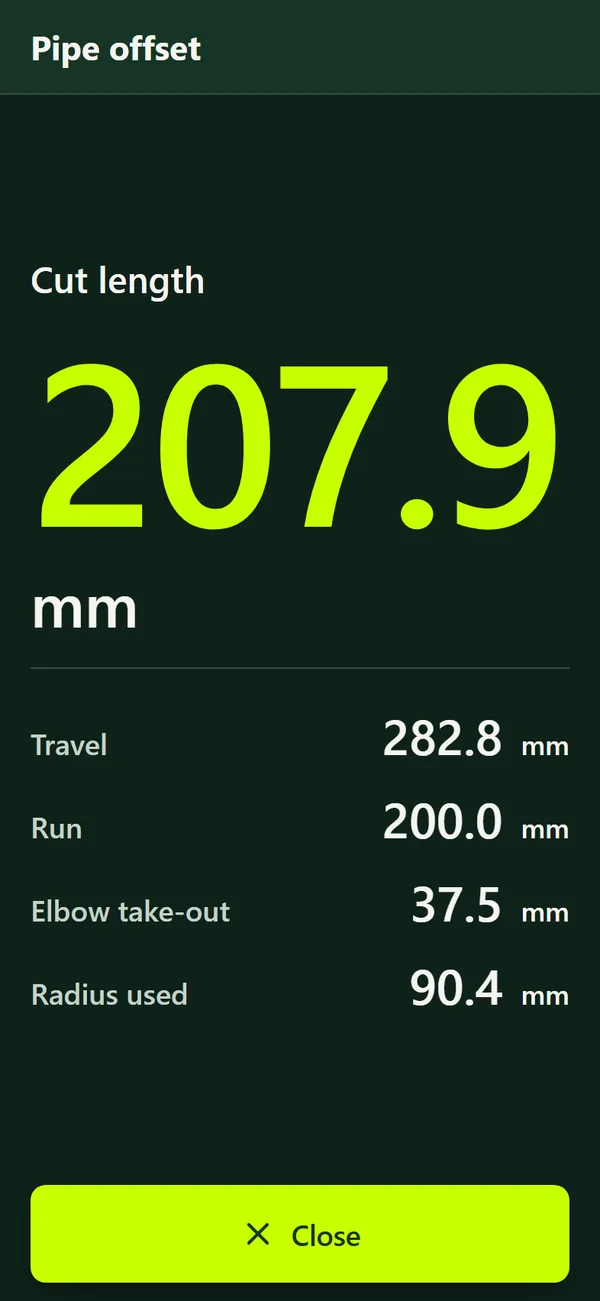
Full-screen resultFull-screen result
Full-screen result
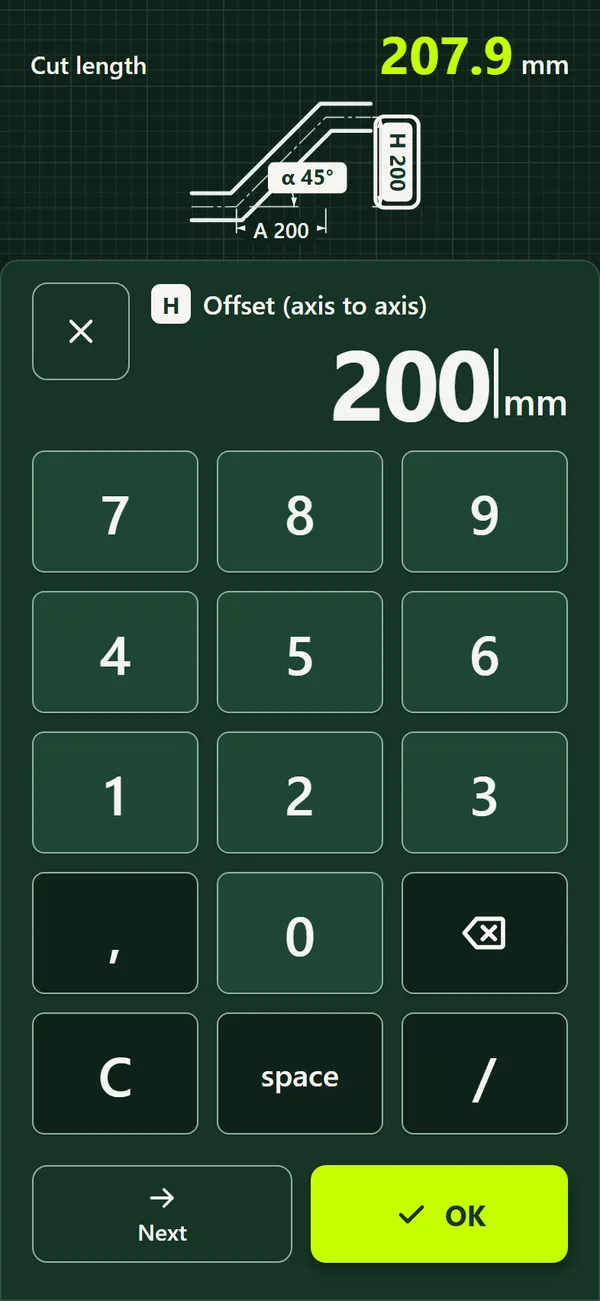
Glove keypadGlove keypad
Glove keypad
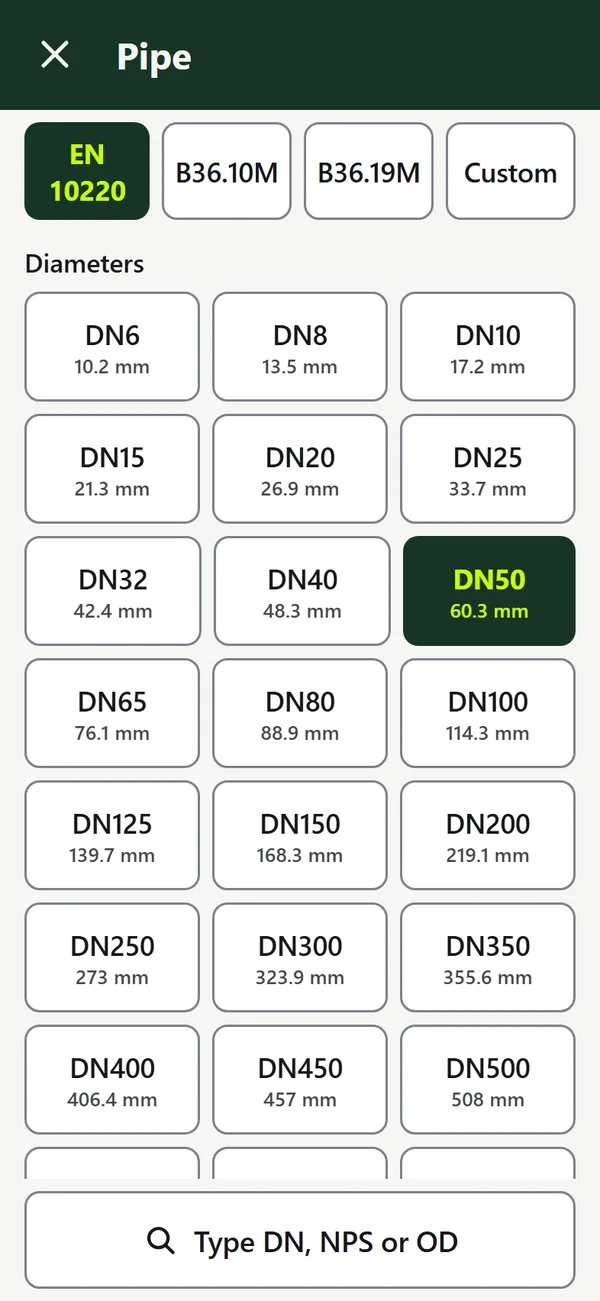
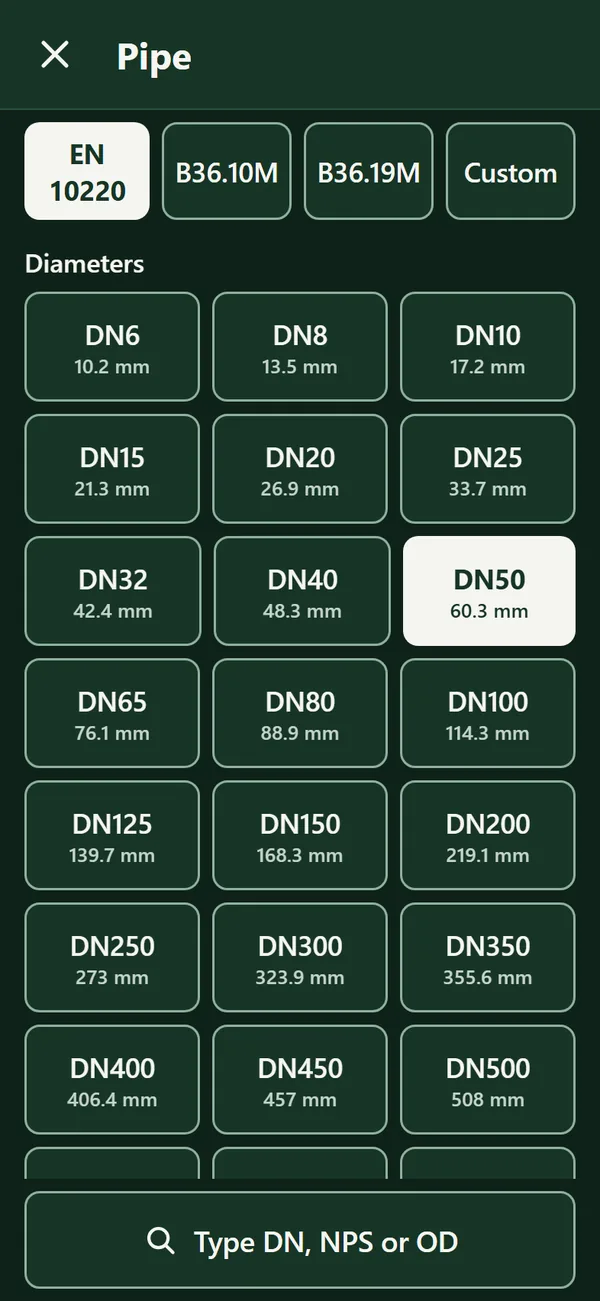
Choose a pipe: DN, NPS or custom sizeChoose a pipe: DN, NPS or custom size
Choose a pipe: DN, NPS or custom size
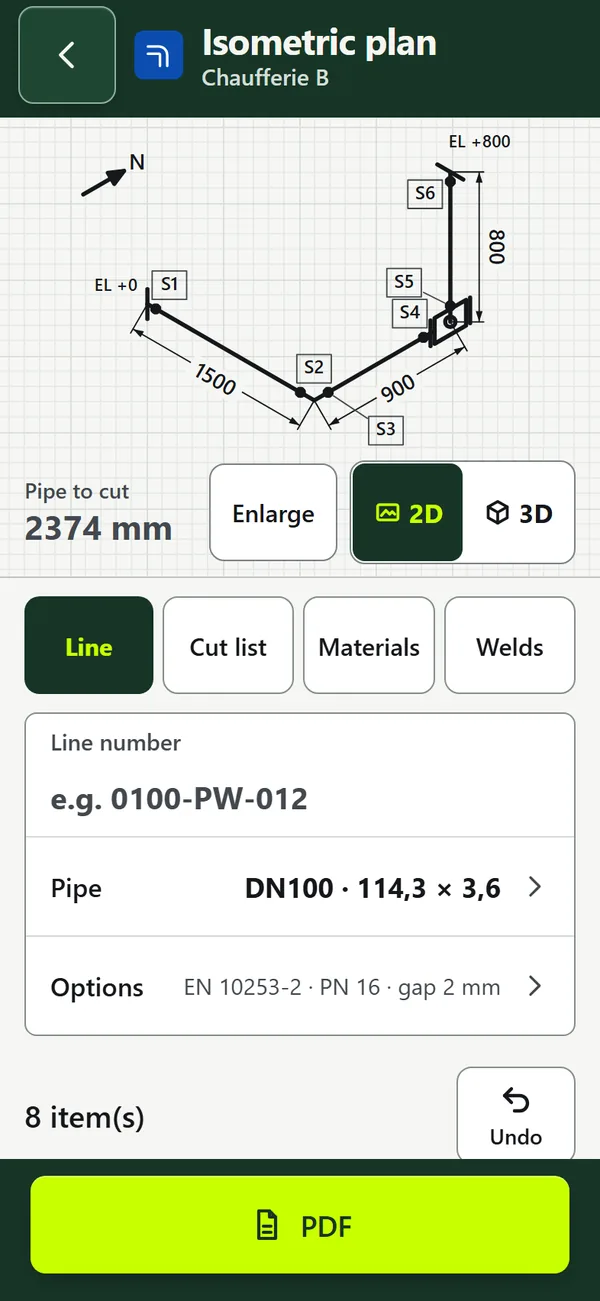
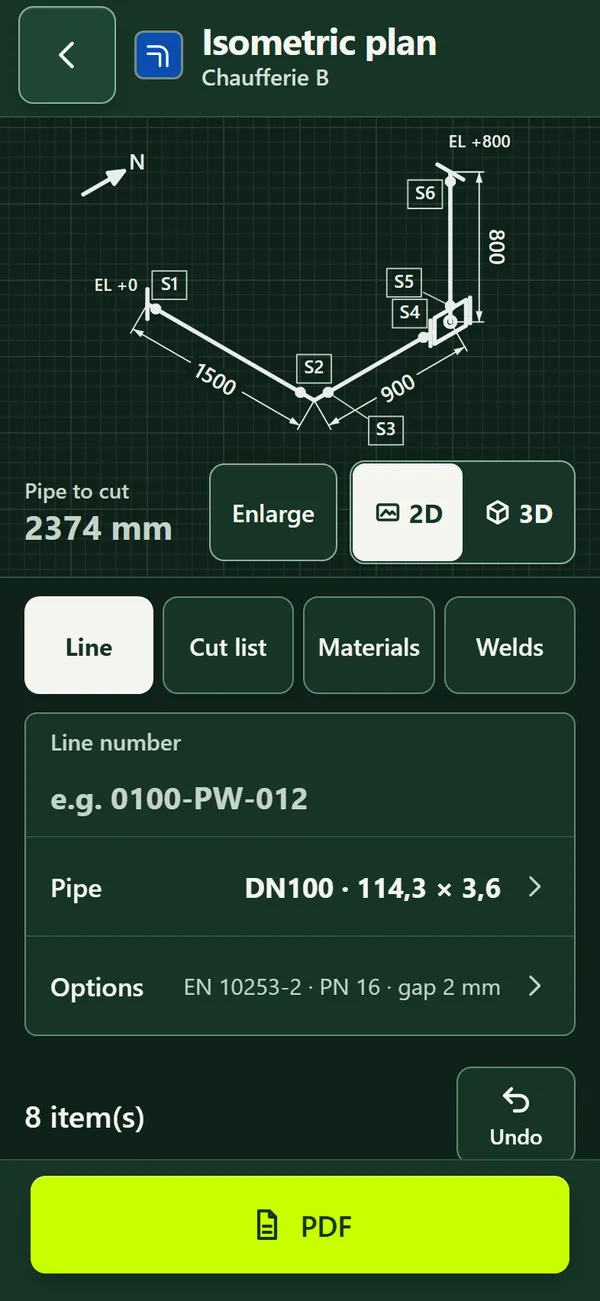
Isometric plan: line, isometric and cut lengthIsometric plan: line, isometric and cut length
Isometric plan: line, isometric and cut length
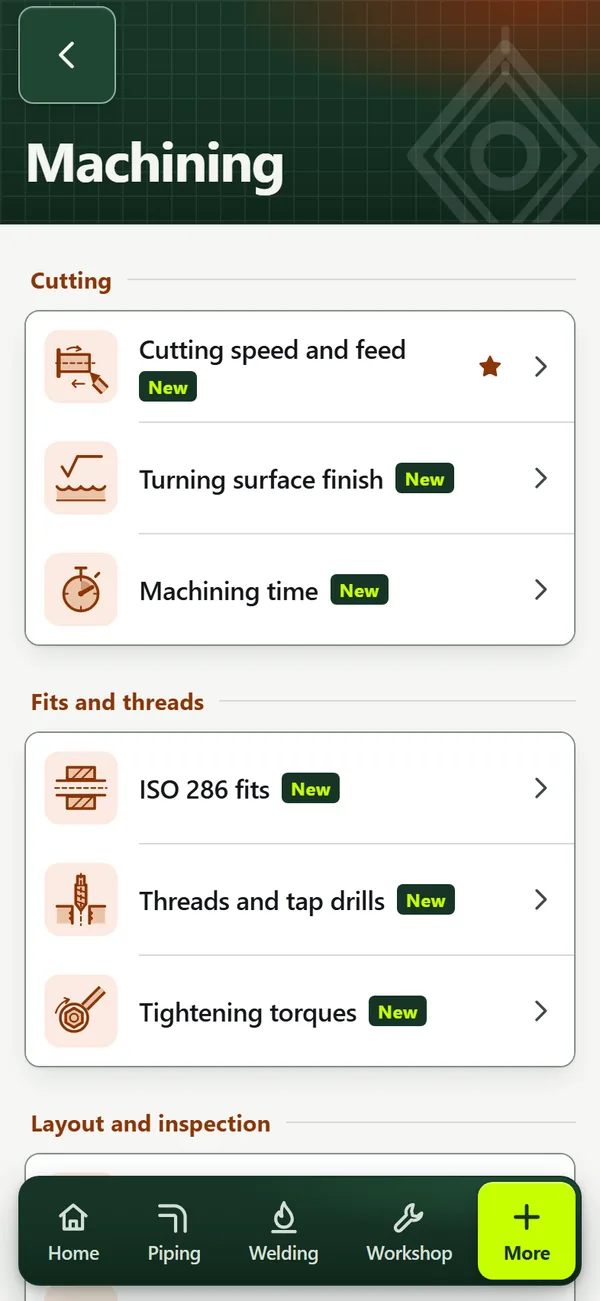
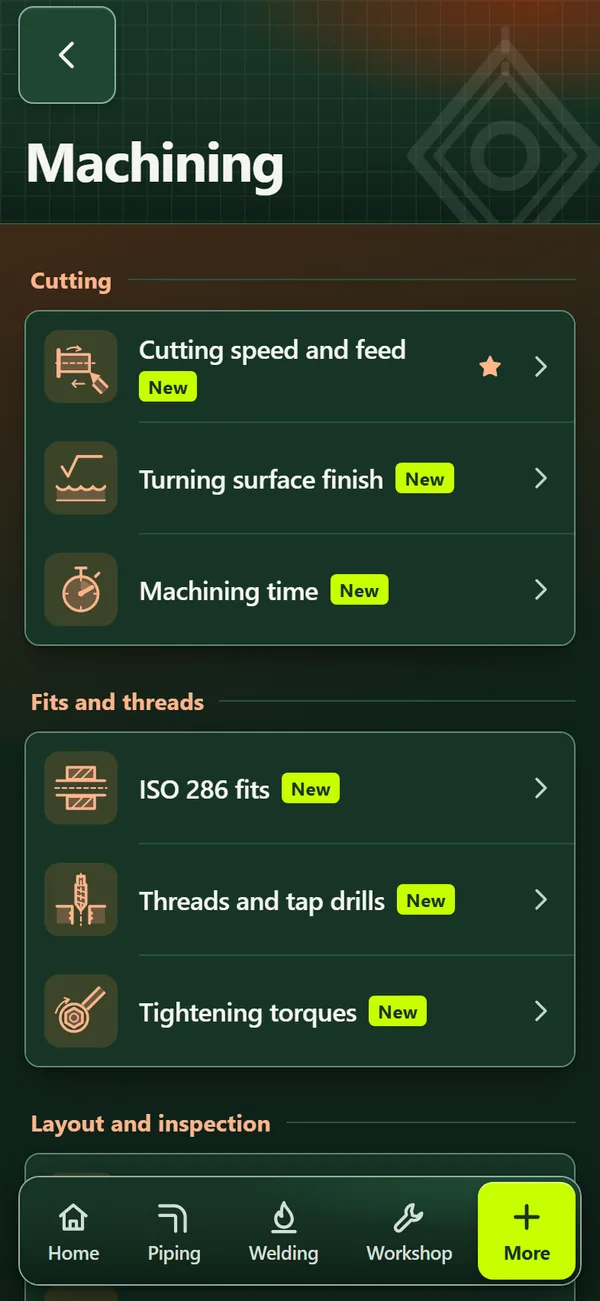
Machining tools and sheetsMachining tools and sheets
Machining tools and sheets
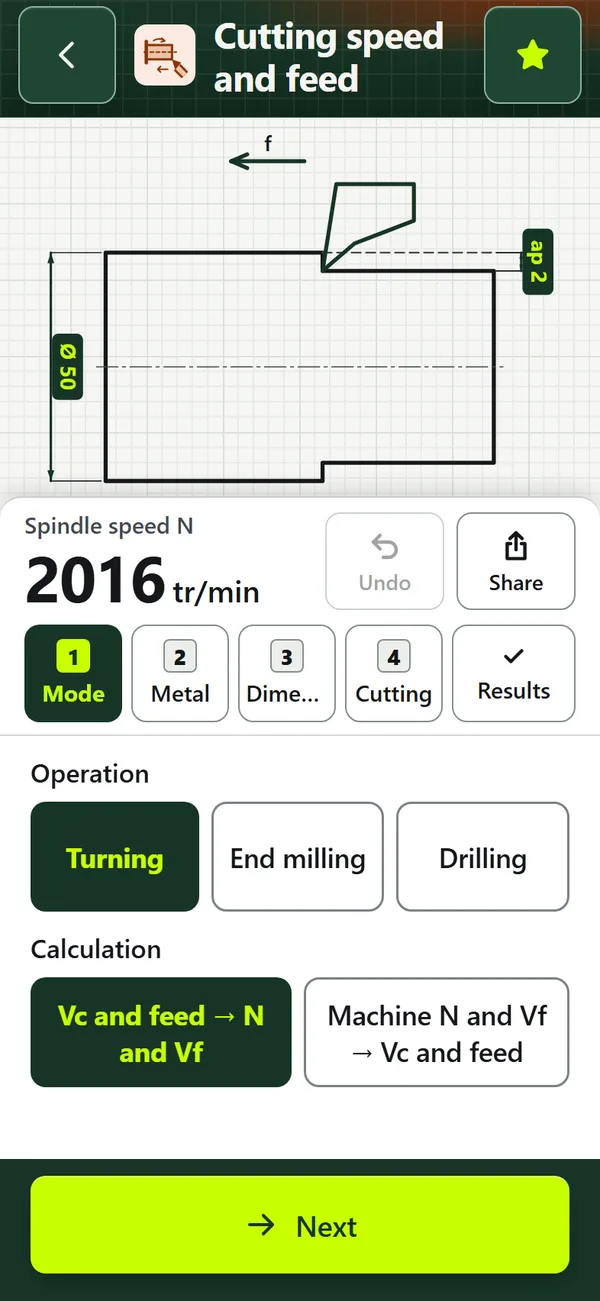
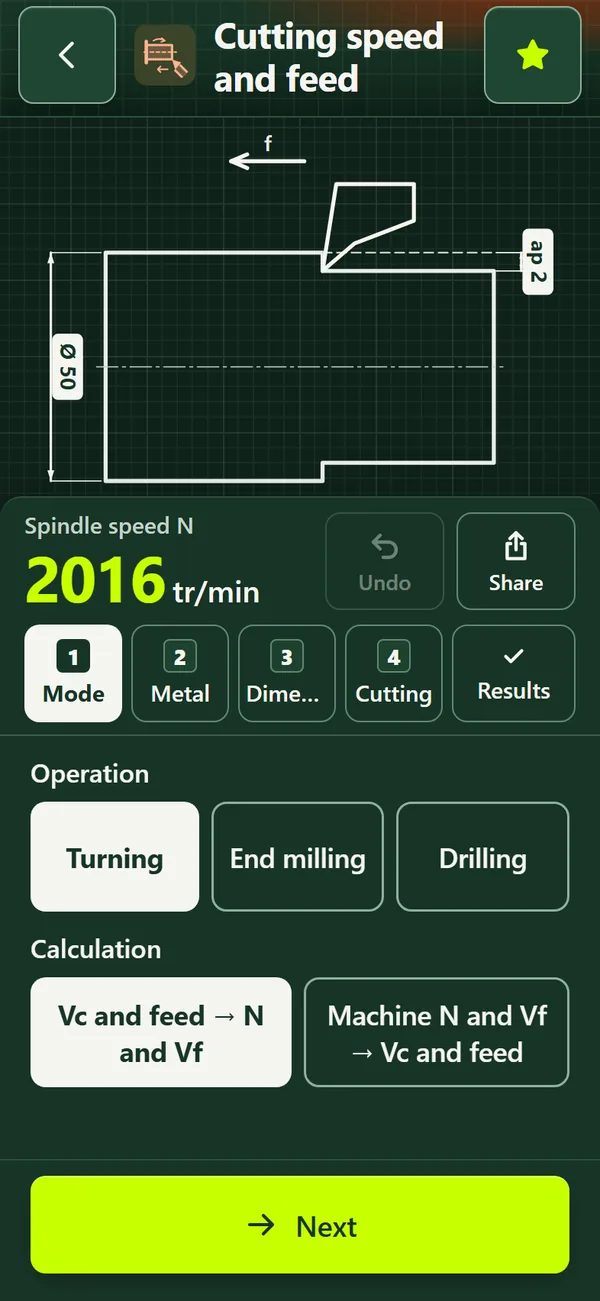
Cutting speed and feedCutting speed and feed
Cutting speed and feed
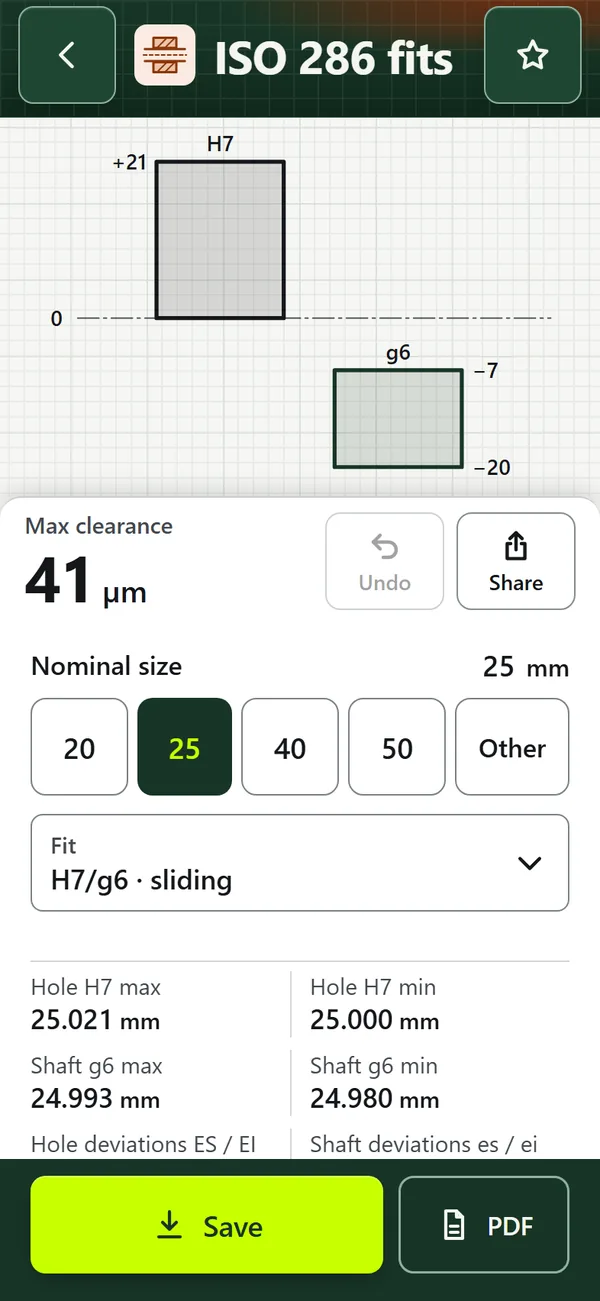
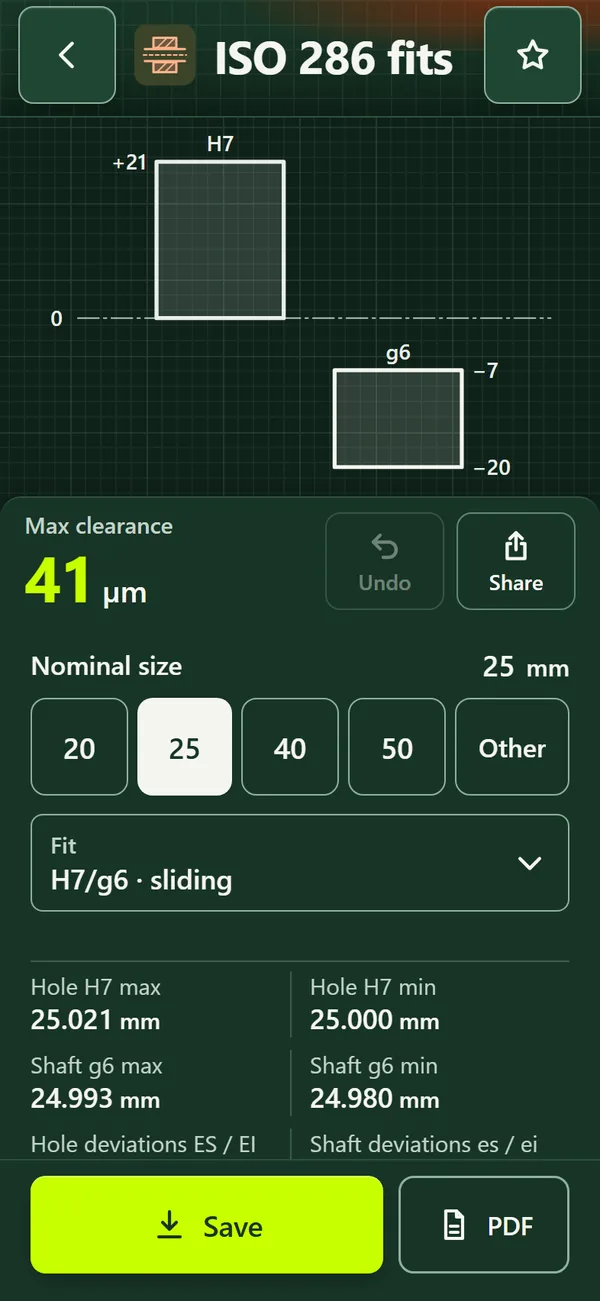
ISO 286 fitsISO 286 fits
ISO 286 fits
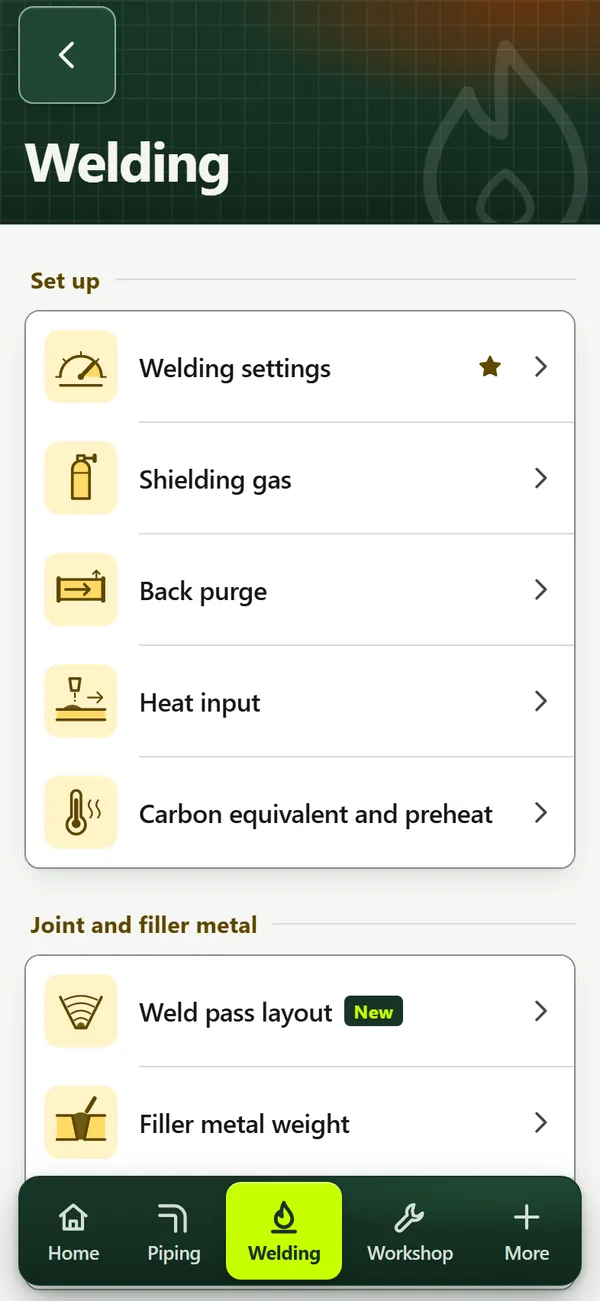
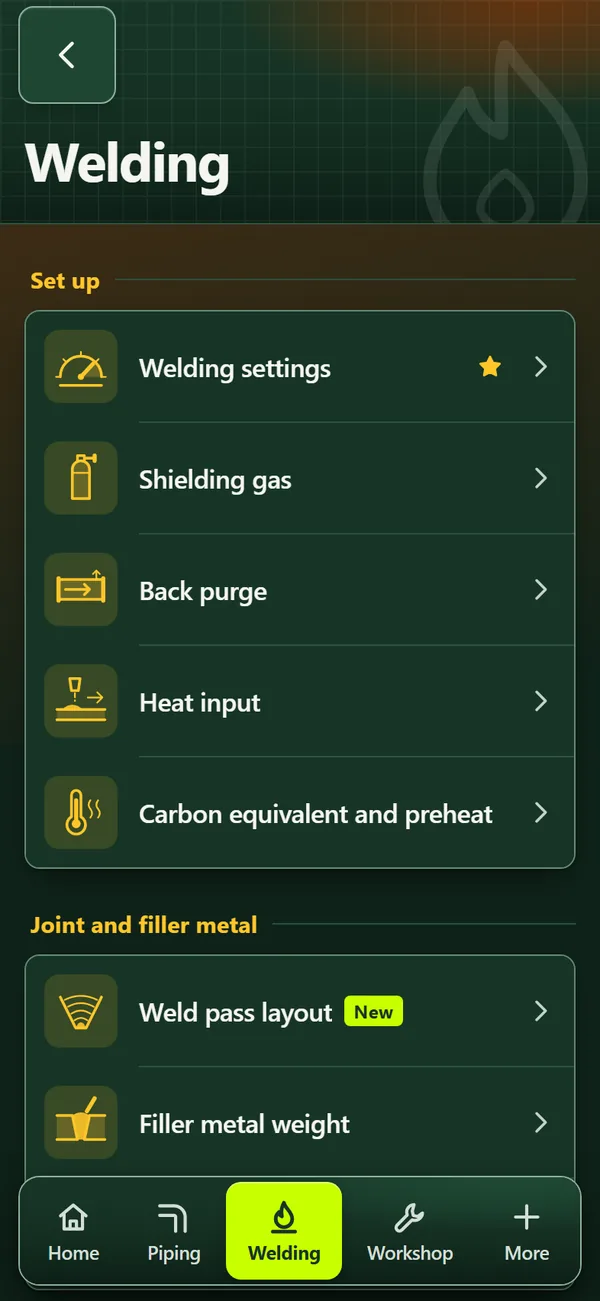
Welding toolsWelding tools
Welding tools
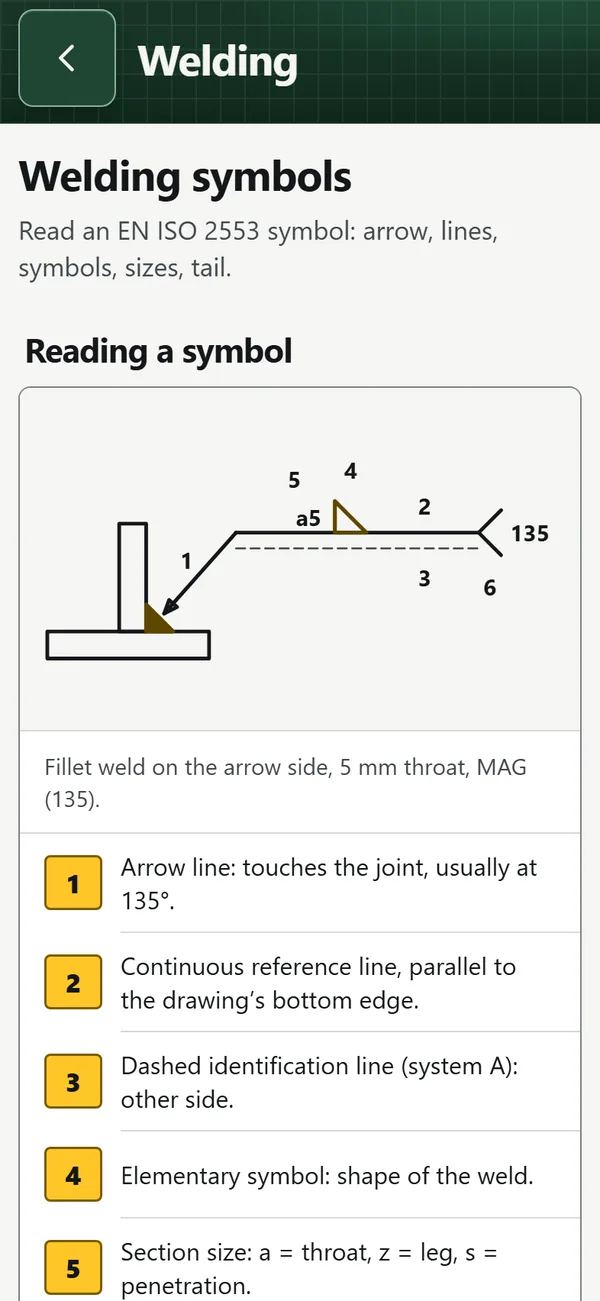
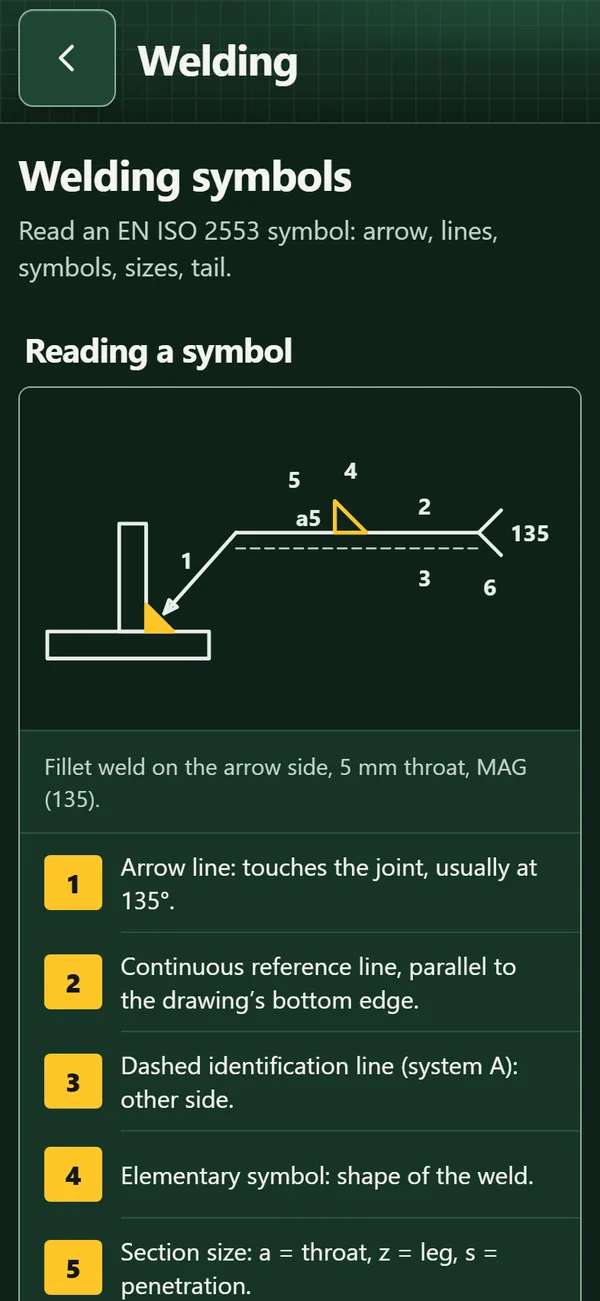
Reference sheet: welding symbolsReference sheet: welding symbols
Reference sheet: welding symbols
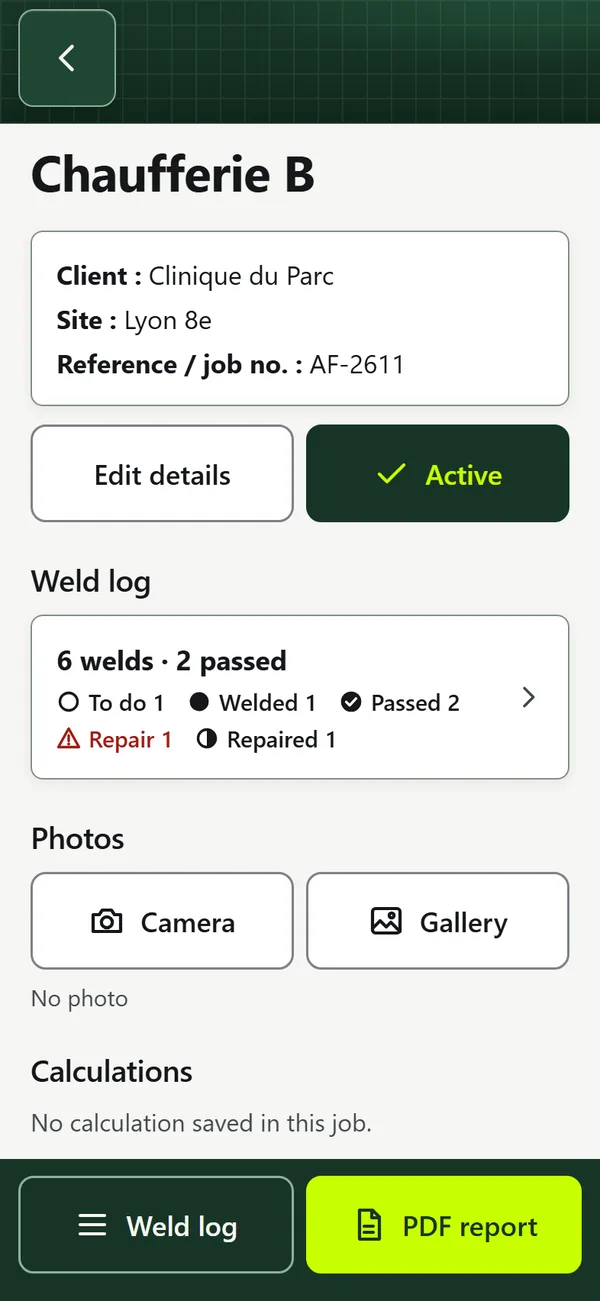
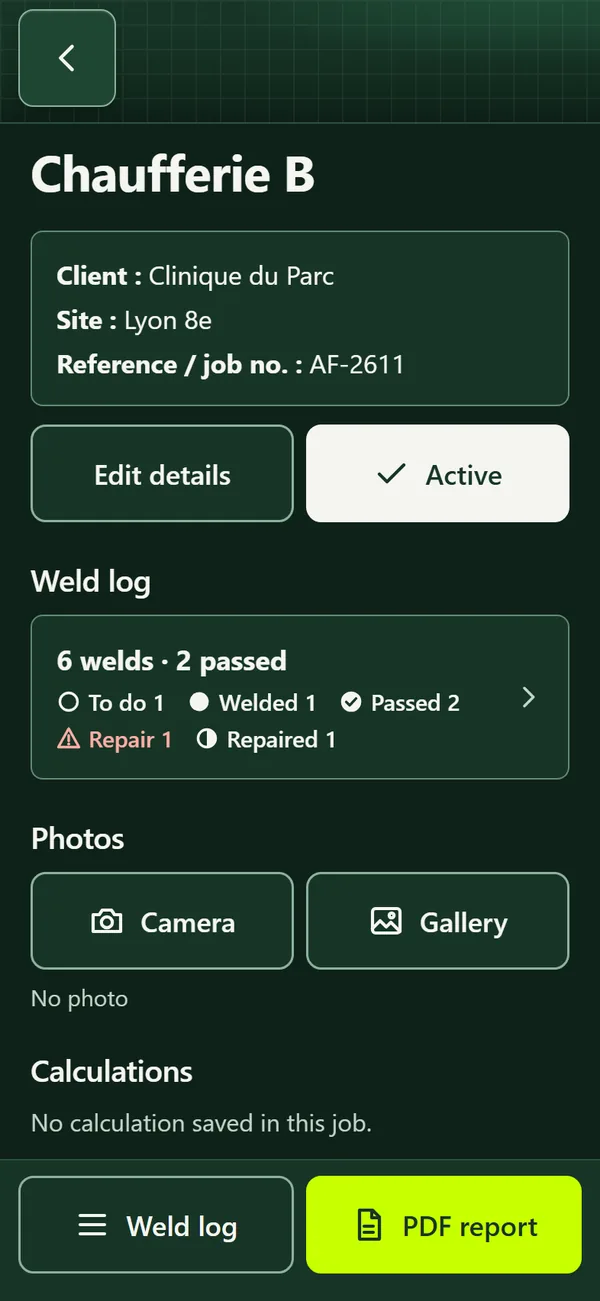
Job: calculations, weld log and PDF reportJob: calculations, weld log and PDF report
Job: calculations, weld log and PDF report
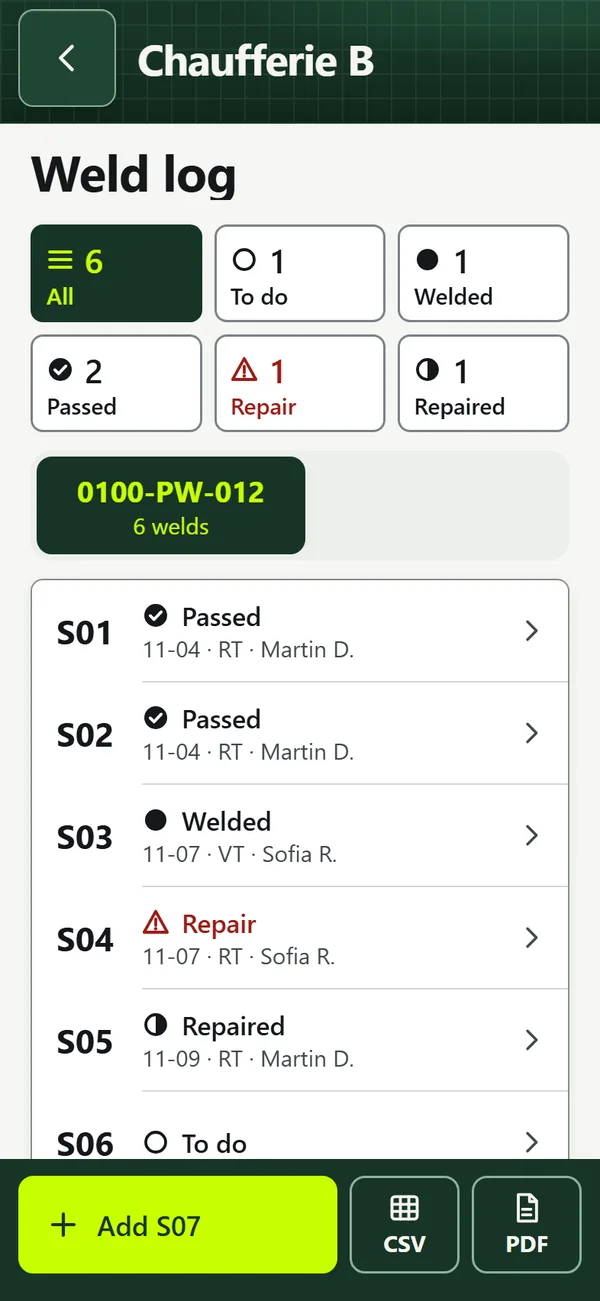
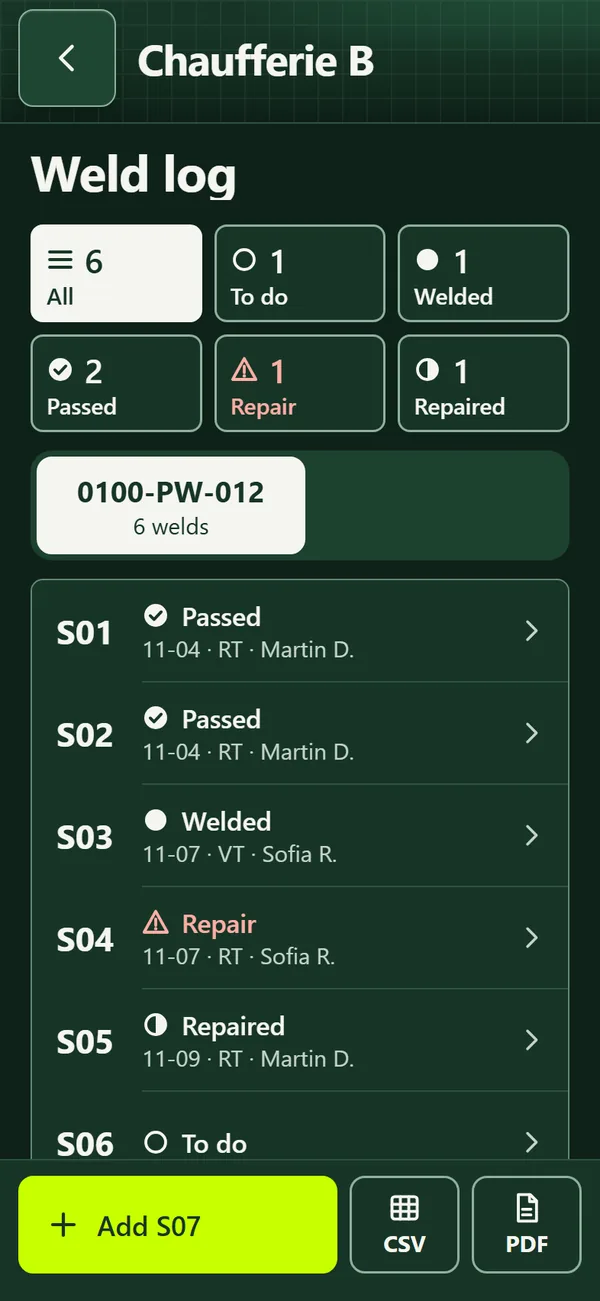
Weld logWeld log
Weld log
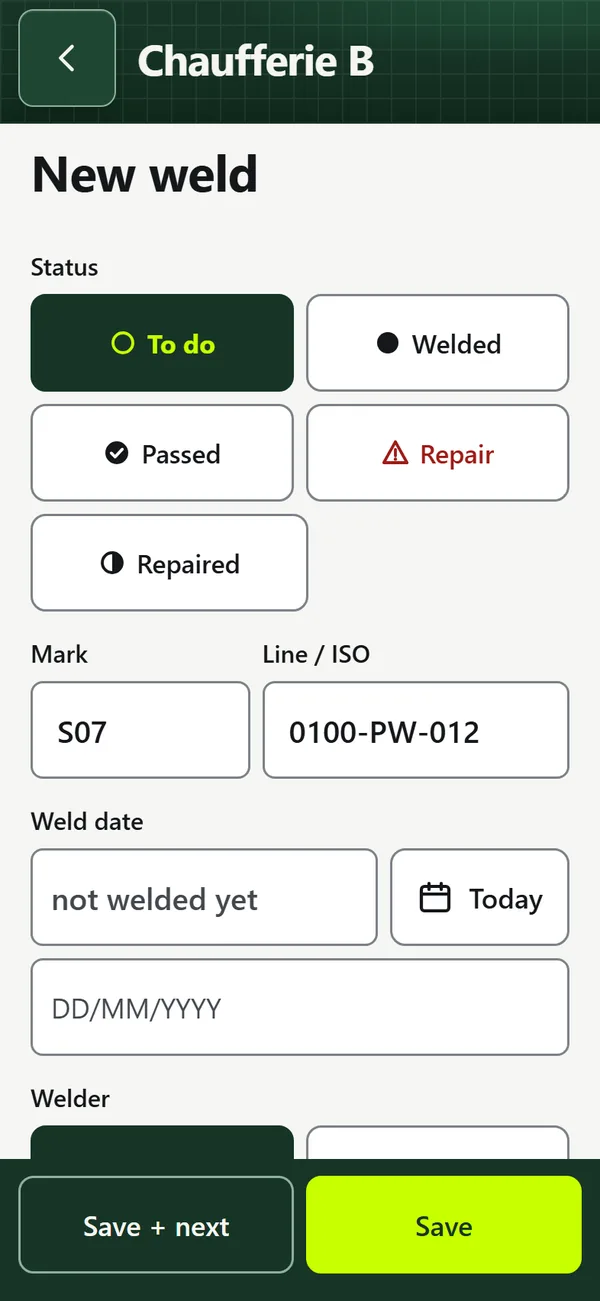
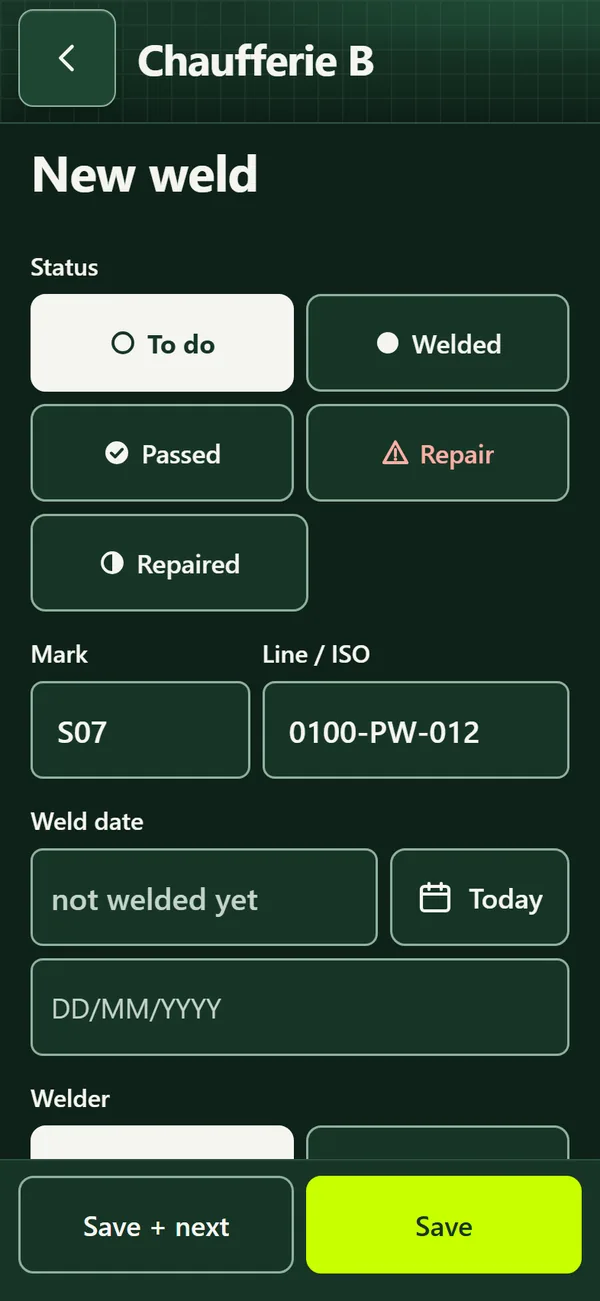
New weld with large buttonsNew weld with large buttons
New weld with large buttons
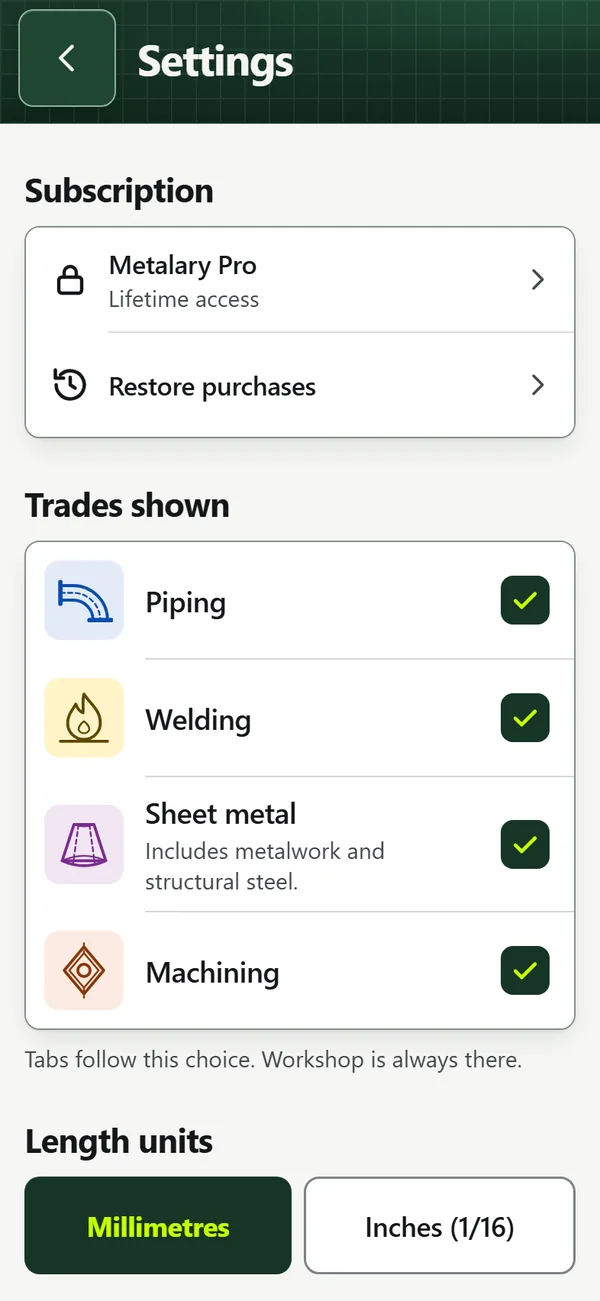
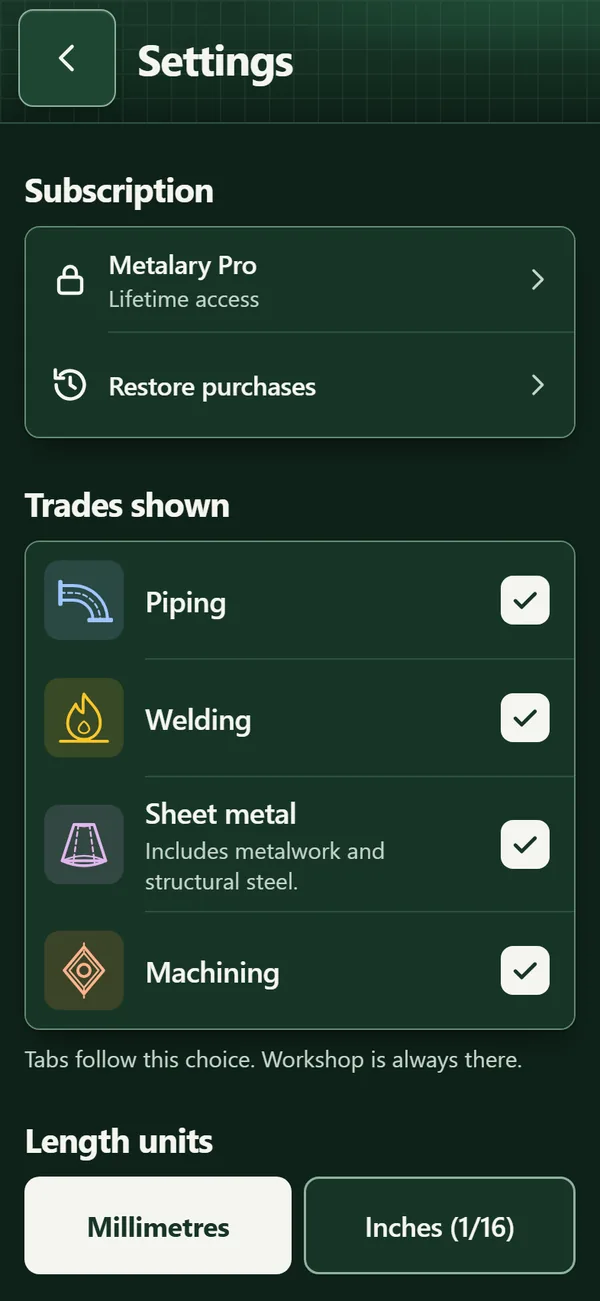
Settings: units, theme, languageSettings: units, theme, language
Settings: units, theme, language

Screenshots of the web build of the app in development, with demo data.

Features

Piping

Isometric plan, Pipe offset, Rolling offset…

Welding

Heat input, Carbon equivalent and preheat, Shielding gas…

Sheet metal

Cone and frustum, Shell course, Bend development…

Workshop

Unit converter, Bar cutting plan, Level and slope…

Machining

Cutting speed and feed, ISO 286 fits, Threads and tap drills…

The 51 tools

Each tool shows its formula, the worked calculation and its sources.

Piping 16

  • Isometric plan
  • Pipe offset
  • Rolling offset
  • Parallel pipe offset
  • Branch on pipetemplate
  • Branch on elbowtemplate
  • Mitre bendtemplate
  • Cut-down elbowtemplate
  • Tee + elbow
  • Reducertemplate
  • Pipe bending
  • Standard fittings
  • Flanges and bolting
  • Jacketed pipe
  • Line weight
  • Hydrostatic test

Welding 11

  • Heat input
  • Carbon equivalent and preheat
  • Shielding gas
  • Back purge
  • Welding settings
  • Weld shrinkage
  • Filler metal weight
  • Weld defect diagnosis
  • ISO 5817 criteria
  • Weld pass layout
  • Dissimilar metal welding

Sheet metal 11

  • Cone and frustumtemplate
  • Shell coursetemplate
  • Bend developmenttemplate
  • Plate and section weight
  • Drilling and tapping
  • Right triangle
  • Mitre cut
  • Square-to-round transitiontemplate
  • Hopper (pyramid frustum)template
  • Plate end pre-bendingtemplate
  • Frame plan

Workshop 3

  • Unit converter
  • Bar cutting plan
  • Level and slope

Machining 10

  • Cutting speed and feed
  • ISO 286 fits
  • Threads and tap drills
  • Tightening torques
  • Bolt circletemplate
  • Tapers
  • Measuring over pins
  • Hardness conversion
  • Turning surface finish
  • Machining time

Dimensioned drawing

Each tool draws the part with its dimensions. Tapping a dimension opens its field.

3D view

19 tools also show the part in 3D: rotate, front view, back to the dimensioned drawing.

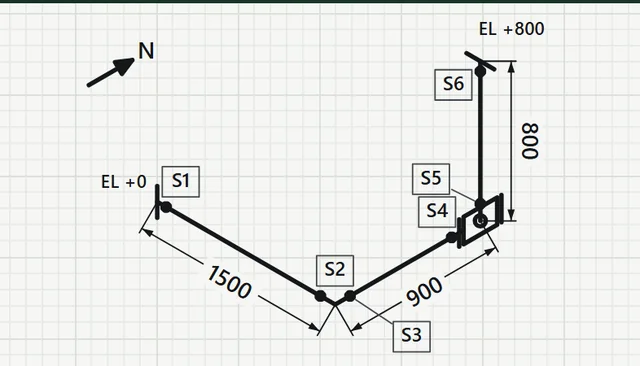
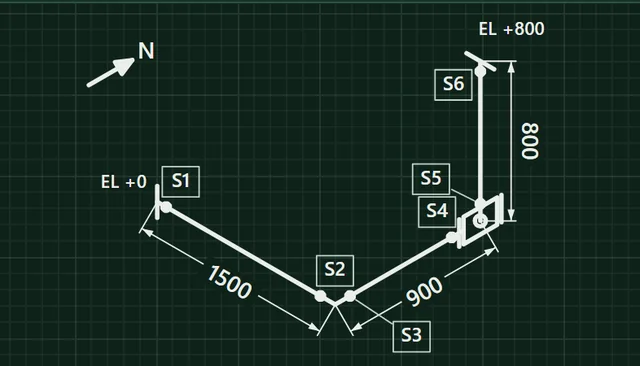
Isometric plan

A line entered item by item (straight, elbow, tee, reducer, flange, valve, branch, cap). Isometric and 3D view, cut list, materials, welds, PDF.

Glove keypad

96 × 88 dp keys in the bottom third, decimal comma and fractions (“3 1/2”), “Next” moves to the next field.

PDF, A4 templates and DXF

PDF of a calculation or job report. Templates split into A4 pages to assemble, with a 100 mm ruler, or DXF export for cutting.

Reference sheets

19 sheets to look up, even without a subscription: Welding symbols, Shielding gases ISO 14175, Grades and equivalents, General tolerances ISO 2768…

Jobs and weld log

Job details, linked calculations and photos. Weld log: mark, line, Ø, material, process, WPS, welder, NDT, status; CSV and PDF export.

Welders and qualifications

ISO 9606-1 deadlines computed (confirmation, continuity, revalidation), alerts on the home screen.

Backup without an account

One .metalary.json file, photos included, to share and import on another phone.

Built for the job site

Gloves, dirty or wet fingers, one hand, no network.

64 dp targets

Every button is at least 64 dp (≈ 10 mm) in both directions.

Controls at the bottom

Main action in the bottom third, under the thumb.

Formula and source

Under each result: formula, worked calculation and source.

Offline

No network request in the tools.

Full-screen result

The number very large, readable at arm’s length.

Indicative

Replaces neither the standards, nor a qualified WPS, nor the job drawings.

Millimetres or inches

Inches to 1/16 for input and dimensions; computed in mm.

Light or dark

Auto, light or dark theme; text contrast of at least 7:1.

Pricing

7-day free trial on the yearly and monthly plans.

Monthly

€4.99per month

no commitment

  • 7 days free
  • Cancel anytime

Yearly

€39.99per year

billed once a year

  • 7 days free
  • Cancel anytime

Lifetime

€89.99once

no trial

  • One-time payment, no subscription
  • No renewal

Prices in euros for France, VAT included.
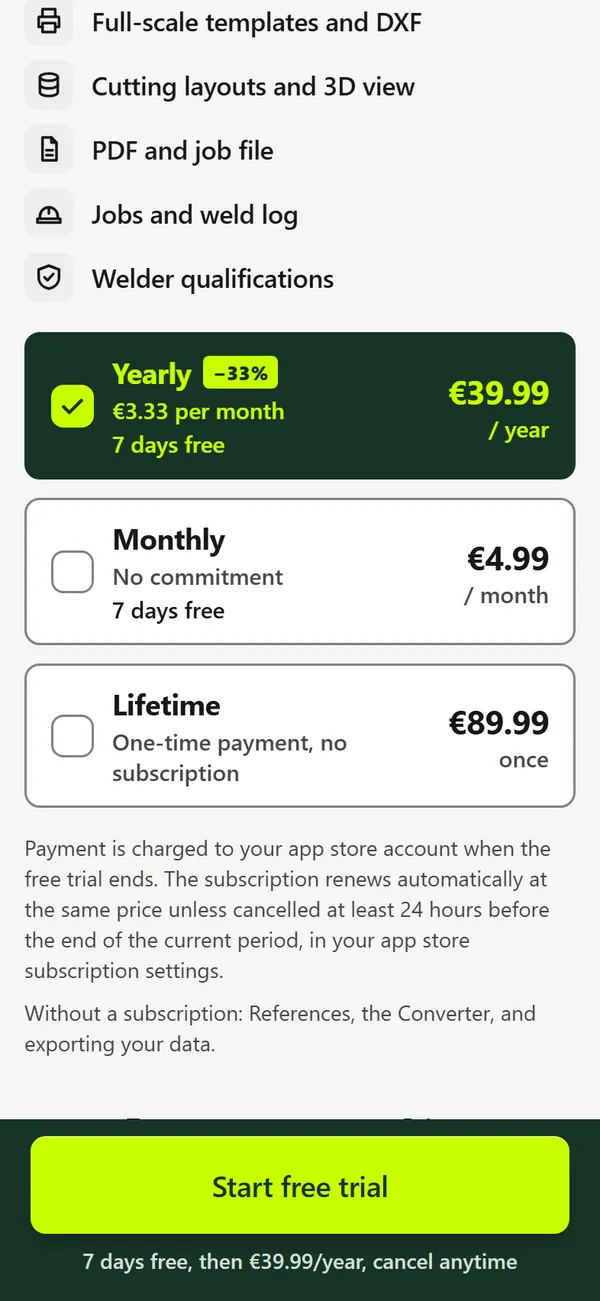
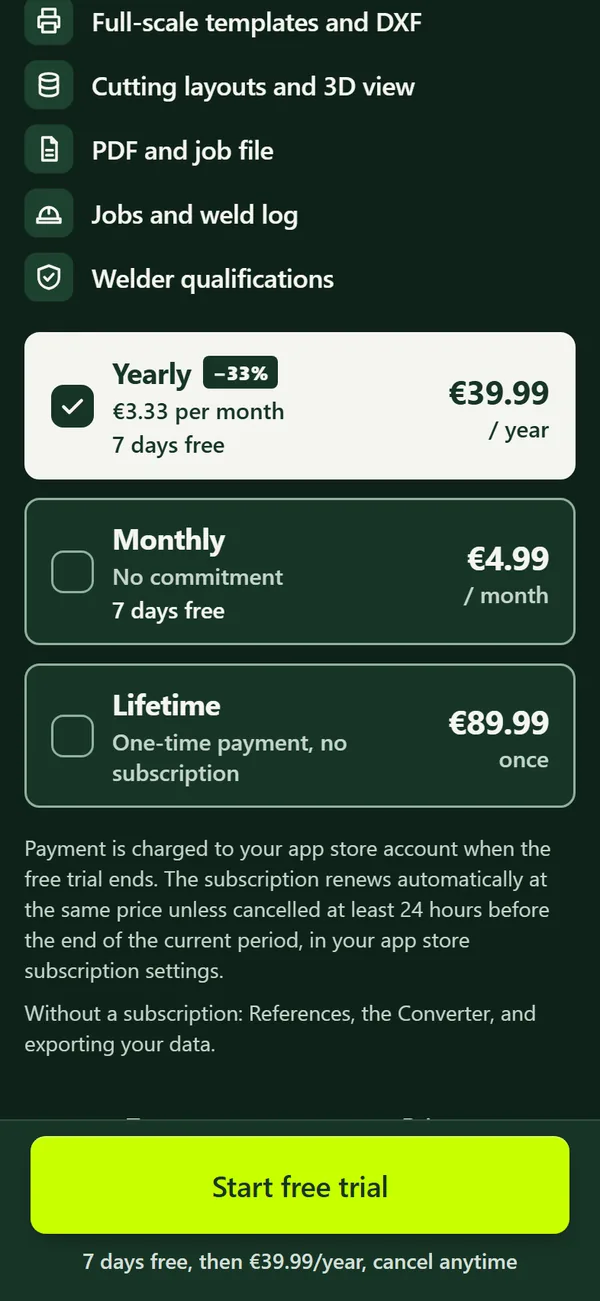
The app’s plans screen: yearly, monthly, lifetimeThe app’s plans screen: yearly, monthly, lifetime

With a subscription or lifetime access

  • All calculation tools51 tools across 5 trades
  • Isometric planLine by elements, isometric, 3D, cut list
  • Full-scale templates and DXFA4 sheets to assemble, export for cutting
  • Cutting layouts and 3D viewElbows, branches, flat patterns
  • PDF and job fileCalculations, photos and log in one file
  • Jobs and weld logMarks, inspections, statuses, CSV export
  • Welder qualificationsISO 9606-1 due dates computed

Without a subscription

Still available:

  • References19 sheets
  • Unit converter
  • Exporting your data

Your data stays on the phone

No account, no ads, no tracking, offline.

  • Jobs
  • Calculations
  • Isometric plans
  • Welds
  • Photos
  • Welders

Backup: one .metalary.json file, photos included, to share or import.

FAQ

Does the app work without a network?

Yes. Calculations, drawings, PDFs and templates are made on the phone; the tools make no network request.

How much does the app cost?

7-day free trial, then €39.99 per year or €4.99 per month, cancel anytime. Or €89.99 once for lifetime access, with no trial. Prices in euros for France, VAT included.
What is available without a subscription?

References (19 sheets), the Unit converter and exporting your data. The other tools and features need the trial, a subscription or lifetime access.

Do I need an account?

No. No account, no ads, no tracking. To change phones, a .metalary.json backup is shared and then imported.

Where do the values come from?

Each reference value cites its source, shown under the result with the formula and the worked calculation. Examples: EN 10220 and ASME B36.10M for pipes, EN 1092-1 and ASME B16.5 for flanges, ISO 14175 for gases, EN 1011-1 for heat input, ISO 286 for fits.

Are the results normative?

No, they are indicative. They replace neither the applicable standards, nor a qualified WPS or procedure, nor the job drawings and instructions. Check a dimension before cutting.

Can I work in inches?

Yes. Setting “Inches (1/16)”: fraction input (“3 1/2”) and drawing dimensions in inches. The calculation is still done in millimetres.

Do templates print at the right size?

Print at 100 %, no fit to page. Each page carries a 100 mm ruler to check. Tools with a template: Branch on pipe, Branch on elbow, Mitre bend, Cut-down elbow, Reducer, Cone and frustum, Shell course, Bend development, Square-to-round transition, Hopper (pyramid frustum), Plate end pre-bending, Bolt circle.

Android or iOS?

Both. The app is not in the stores yet.

Which languages?

French and English, chosen in the settings or from the phone.

Coming soon

Coming to Android and iOS

Metalary is not in the stores yet.

Android iOS

A question:contact@metalary.app